
SureFibre220 disk array user manual, introduces the installation, connection, configuration and monitoring of disk array
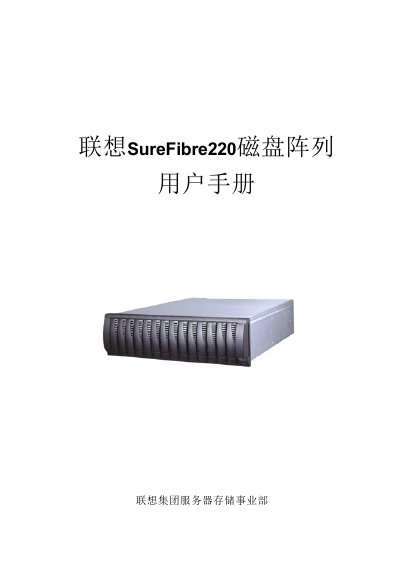
This manual provides SureFibre 220 users with detailed guidance on product overview, safety precautions, and power requirements. It explains how to install the device, connect cables, and prepare the system for operation.
The document also covers configuration steps, management functions, diagnostics, and recovery procedures using the SANtricity software. Additional information on firmware updates and SFP module options is included. This manual is written in Chinese.
| Power Voltage | 220V |
|---|---|
| SFP Modules (R1) | 2 SFP |
| SFP Modules (R2) | 4 SFP |
SureFibre220 operates on a 220 V power supply.
SureFibre220R1 provides 2 SFP ports, while SureFibre220R2 provides 4 SFP ports.
The SANtricity Storage Manager is used for configuration, recovery, and diagnostics of the SureFibre220.