
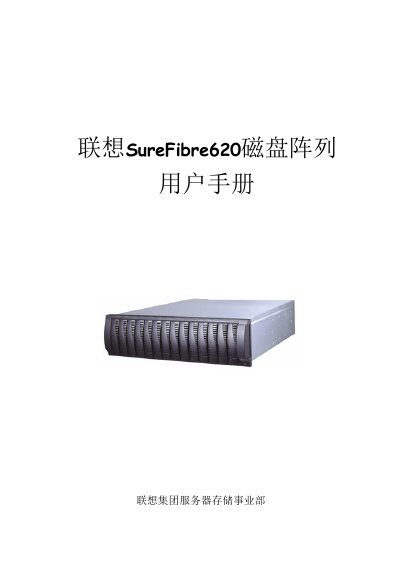
This user manual covers the Lenovo SureFibre620 disk array, including the SureFibre620R and SureFibre620J hardware forms. It gives warnings and precautions, unpacking checks, environmental requirements, rack installation steps, and instructions for removing and reinstalling fans, power supplies, and controller/ESM modules.
Later sections describe disk array cabling, front-end device connections, power-on checks, and SANtricity management software for Windows 2000, .NET, and Linux. The manual also covers volume configuration, saving and loading configuration information, Recovery Guru, controller and loop fault diagnosis, event logs, and operating-system troubleshooting. This manual is written in Chinese.
| Configured weight | 37.4 kg minimum; 51.4 kg maximum |
|---|---|
| Power supply | AC 220 V |
| Included SFP modules | 6 for SureFibre620R2; 4 for SureFibre620J2 |
| Installation clearance | Front >76 cm; rear >61 cm |
The minimum configured weight is 37.4 kg and the maximum configured weight is 51.4 kg.
It uses an AC 220 V power supply.
The manual states front clearance greater than 76 cm and rear clearance greater than 61 cm.