
SureFibre Management Software SANtricity User Manual, introduces software installation, startup guide, function description, parameter configuration, program monitoring and other content, suitable for SureFibre disk array RAID controller
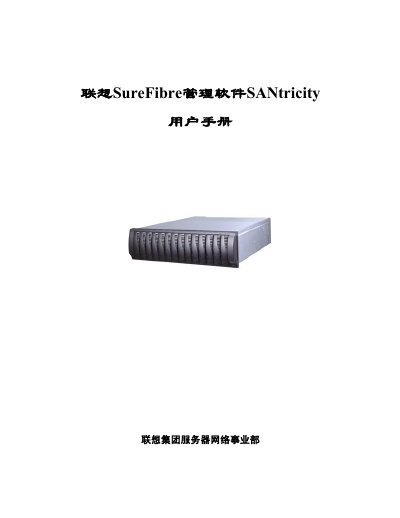
This manual describes the Lenovo SureFibre SANtricity Storage Manager software, a tool for monitoring, managing, and configuring Lenovo SureFibre RAID storage arrays. It includes guidance on supported operating systems, installation steps, and key management functions.
The document also provides hardware requirements for the management workstation, details on the software components (RDAC, SMutil, SMagent, SMclient) and instructions for troubleshooting, event monitoring, and recovery procedures. This manual is written in Chinese.
| Minimum CPU | Pentium-class processor, 133 MHz or higher |
|---|---|
| Minimum RAM | 99 MB for Windows 98, 128 MB for Windows NT/2000 (256 MB recommended) |
| Minimum disk space | 60 MB free (100 MB recommended for Windows 2000) |
Insert the installation CD, run setup.exe if the CD Browser does not start automatically, and then select the Installation page to begin the GUI‑based installation.