
Lenovo SureFibre Management Software SAM Quick Installation Guide, introduces the components, installation requirements, software installation, start-up guide, parameter configuration and program monitoring of SAM software, which can help users quickly install and use the software
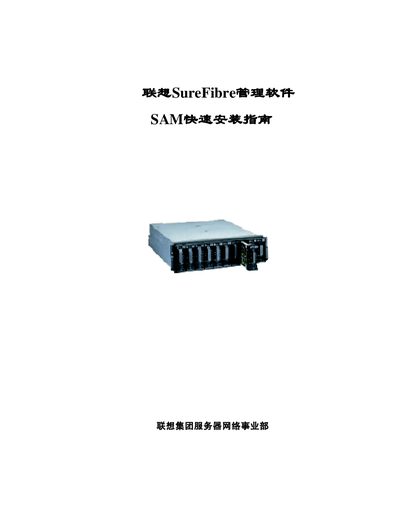
The manual explains how to install and configure the SureFibre SANArray Manager software, including both the client and the Globe Array Manager Server components. It covers preparation steps, installation procedures, and post‑installation tasks such as launching the software and opening key management windows.
Key sections describe RAID configuration assistance, monitoring functions, and detailed controller information. The document also lists hardware and software requirements, supported operating systems, and troubleshooting guidance for administrators. This manual is written in Chinese.
| Minimum CPU | 80486 or higher |
|---|---|
| Minimum RAM | 4 MB (recommended 16 MB) |
| Minimum Disk Space | 8 MB (recommended 16 MB) |
| Supported Operating Systems | Windows Me, Windows 2000, Windows NT, Windows 95/98 |
| Network Requirements | Network card, driver and a connected network environment |
Back up the data in the RAID array before making any changes.
At least 4 MB of memory is required, with 16 MB recommended.
Select View → Controller View from the menu bar.