
This manual is the user manual for the DSC-M2 digital camera, and introduces the camera's usage, settings, and precautions.
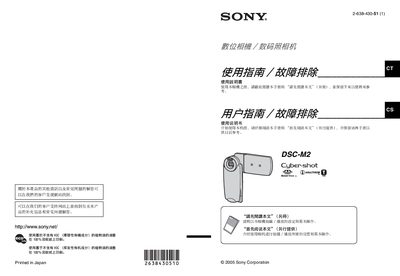
This manual introduces the Sony DSC-M2 digital camera, covering safety precautions such as keeping the device away from rain and moisture, and handling the LCD screen carefully. It also explains the basic functions, button layout, and how to operate the camera for still and video capture.
Detailed sections describe the required Memory Stick Duo for storage, battery charging and replacement procedures, LCD and lens cover care, and how to connect the camera to a PC or printer. Additional guidance is provided for playback, formatting, and troubleshooting common issues. This manual is written in Chinese.
The camera requires a Memory Stick Duo; other Memory Stick types are not compatible.
Do not touch the LCD panel with your hands and avoid exposing it to direct sunlight for long periods.
No, the camera must not be exposed to rain or moisture, and water entering the camera can cause failure.