
Sony HDR-HC9E Digital HD Handycam camcorder user manual, introduces the features and characteristics of the product, including an introductory guide, recording/playback, using the menu, copying/editing, using a computer, troubleshooting, additional information and quick reference.
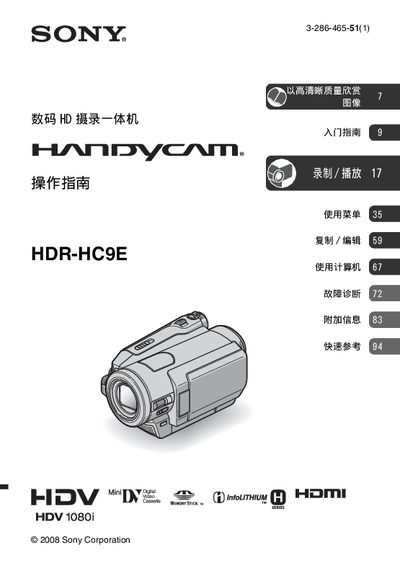
The Sony HDR-HC9E operating instructions describe a camcorder compatible with HDV format and HDV1080i. The manual says HDV records and plays high-definition images on standard cassette tapes and describes viewing recordings on high-definition televisions or down-converting them to SD for 16:9 or 4:3 televisions.
The guide covers supplied items, battery charging, inserting a cassette or Memory Stick Duo, Easy Handycam recording and playback, zoom, Dual Rec, NightShot, menus, copying and editing, computer use, troubleshooting, warnings, and maintenance. This manual is written in Chinese.
| Video format | HDV1080i |
|---|---|
| Recording medium | Standard cassette tape |
| Lens | Carl Zeiss |
| Cassette Memory | Not compatible |
HDV is a video format for recording and playing high-definition images on standard cassette tapes.
Yes. The camcorder can down-convert HDV video to SD quality for playback on 16:9 or 4:3 televisions.
No. The manual states that the camcorder is not compatible with the Cassette Memory function.
Restart the application or disconnect and reconnect the communication cable, such as i.LINK.