
This document describes a digital camera that uses VOC-free vegetable oil-based ink to print on 100% recycled paper. The camera comes with a user guide and troubleshooting guide, and provides additional information and FAQs about the product.
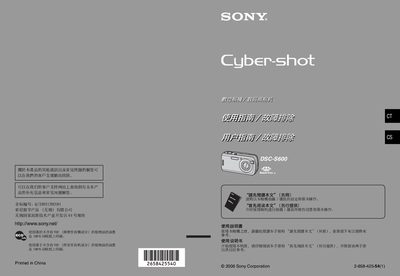
This manual explains how to set up and operate the Sony DSC‑S600 digital camera, covering basic functions, menu navigation, and recommended shooting techniques. It also includes safety information and handling precautions.
Key sections cover Memory Stick Duo compatibility, Carl Zeiss lens details, LCD and viewfinder usage, battery and power guidelines, PC and printer connections (including PictBridge), and a troubleshooting guide for common issues. This manual is written in Chinese.
| Memory Card Type | Memory Stick Duo |
|---|---|
| Lens | Carl Zeiss |
The camera uses a Memory Stick Duo for storage.
No, the camera is not waterproof and should not be exposed to rain or moisture.
Connect the camera to a PictBridge‑compatible printer to print images directly.
Turn the camera off, remove any USB or other connections, and then reconnect after the interference has ceased.