
This document describes the features and characteristics of the Sony Corporation's DSC-N1 camera produced in 2005.
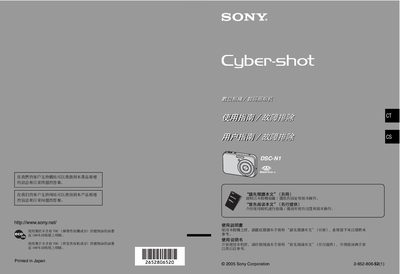
This manual introduces the Sony DSC‑N1 digital camera, covering safety precautions, battery handling, and compatible memory media. It explains the use of the NP‑BG1 rechargeable battery and the Memory Stick Duo card, and provides warnings about moisture, electromagnetic interference, and proper handling of the LCD screen and viewfinder.
The guide details the camera’s functions such as shooting modes, playback, LCD menu navigation, and how to connect the camera to a PC, printer, or TV. It also describes the built‑in Zeiss lens, image quality settings, and procedures for formatting memory cards and printing still images. This manual is written in Chinese.
| Memory Card Type | Memory Stick Duo |
|---|---|
| Battery Model | NP‑BG1 |
| LCD Pixel Coverage | >99.98 % of pixels usable |
| Lens Brand | Carl Zeiss |
The camera uses Memory Stick Duo cards; other Memory Stick types are not supported.
No. The manual advises not to expose the camera to rain or moisture.
Fully discharge the battery, remove it from the camera, and store it in a cool, dry place.
Yes, the camera can be connected via USB after removing any attached cables.