
This manual introduces the basic use of high definition camcorders
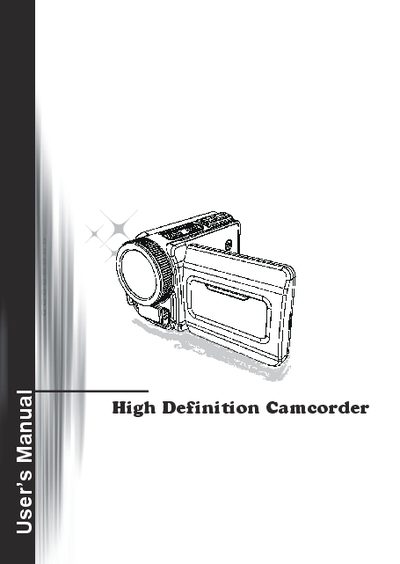
The guide begins with safety notices and a description of the camcorder's buttons, connectors, and accessories. It explains how to load batteries, insert an SD/MMC memory card, use the USB adapter, and attach the wrist strap.
Subsequent sections cover powering the device on and off, selecting language and date/time settings, interpreting on‑screen icons, and using playback, voice, and recording modes. The final part offers troubleshooting tips for connection and driver issues.
| Battery type (AA model) | AA batteries (4) |
|---|---|
| Battery type (Lithium model) | Lithium battery |
| Memory card slot | SD/MMC card |
| HDMI output | HDMI connector |
| USB port | USB connector |
| TV‑out / earphone connector | TV‑out connector/earphone |
Press the Power button or open the LCD panel to turn it on; press the Power button or close the LCD panel to turn it off.
Slide the latch open, remove the battery compartment cover, and insert four AA batteries with the correct polarity or a lithium battery aligning the contacts, then replace the cover.
Lift the memory card cover, insert the SD/MMC card until it stops, and an on‑screen icon will confirm successful insertion.
Power on the camcorder, enter Setting mode, select the Language item, use the Up/Down buttons to choose a language, and confirm with the Right button.