
VoiceStation™ 300 is a voice conferencing device from Polycom, which uses unique Acoustic Clarity Technology to provide clear, full-duplex, two-way voice communication. VoiceStation™ 300 dynamically adapts to the room environment to eliminate echoes and clipping. Three built-in microphones pick up sound all around the room so you can speak naturally and be easily understood.
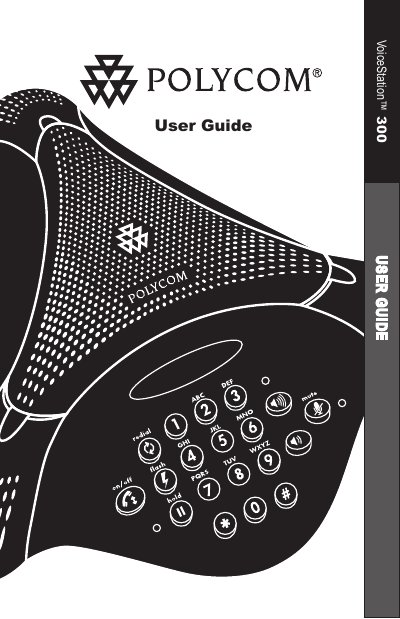
The VoiceStation ™ 300 is a desk‑mounted telephone that uses Polycom’s Acoustic Clarity Technology to deliver clear full‑duplex voice communication. This guide explains how to set up the device, use its features, and keep it operating reliably.
Key sections cover installing the phone and power supply, using the handset and mute functions, adjusting the ringer, performing routine maintenance, troubleshooting common problems, and details on warranty, regulatory compliance, and technical support contacts.
| Ringer Equivalence Number (REN) | 0.9B |
|---|---|
| FCC Registration Number | US: 2HWTE09BVOICEST |
| Service Order Code (SOC) | 6.0Y |
| USOC Jack Type | RJ11C |
| Ringer Modes | High, Low, Off |
Check that all connections are correct and tight, verify the short cable is attached to a standard analog line, and try a different telephone line if needed.
Press the Volume Up or Volume Down buttons; the ringer has three modes—High, Low, and Off—indicated by a tone when the buttons are pressed.