
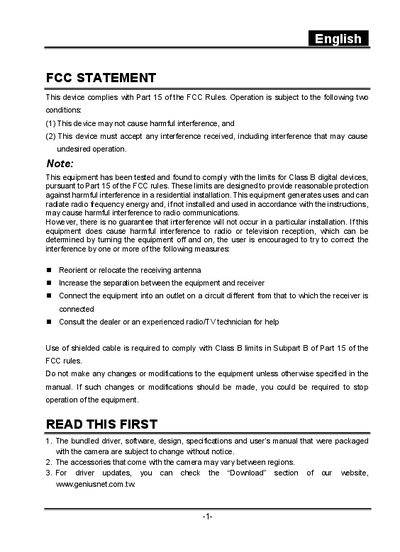
This document is a statement regarding a device's compliance with FCC rules. The device is designed not to cause harmful interference and must accept any received interference. It has been tested and found to comply with FCC rules for Class B digital devices, providing reasonable protection against harmful interference in residential installations. The device may generate radio frequency energy and, if not installed and used correctly, may interfere with radio communications. If the device does cause interference to radio or television reception, the user is encouraged to try various measures to correct the interference, such as reorienting or relocating the receiving antenna, increasing the separation between the equipment and receiver, using a different circuit for the equipment, or seeking assistance from a dealer or experienced radio/TV technician.
This manual covers safety precautions, unpacking, battery installation, and basic operation of the Genius digital camera. It explains how to use the viewfinder, LCD monitor, various shooting modes, and how to manage images and movies on the device.
The guide also details connecting the camera to a computer via USB, installing the provided software, and transferring files. Technical specifications such as sensor type, resolution, storage capacity, and power requirements are listed at the end of the document.
| Image sensor | 1/1.8" CCD 5.25 mega pixels |
|---|---|
| LCD monitor | 1.5" full color TFT |
| Still image resolution | 2560x1920, 2048x1536, 1280x960, 640x480 |
| Movie image resolution | 320x240, 160x120 |
| Image storage | SD Memory Card (up to 512 MB) |
| Lens focal length | 7.2 mm – 21.6 mm, f/2.8 – f/4.7 |
| Focus range | 0.30 m to infinity (Macro Tele), 0.09 m to infinity (Macro Wide), 0.80 m to infinity (Standard) |
| Shutter speed | 8 sec – 1/1500 sec |
| Digital zoom | 4× (capture), 2× – 4× (playback) |
| Dimensions (W×D×H) | 94 mm × 63 mm × 35 mm (without protruding parts) |
| Weight | ≈ 180 g (without battery) |
The camera uses an SD Memory Card with a maximum capacity of 512 MB.
Install the USB driver, connect the camera to the computer with the USB cable, and then download the images or movies.