
ASRock SATA Hard Disk Installation and RAID Function Reference Manual

This document describes the functions and usage methods of [product name].
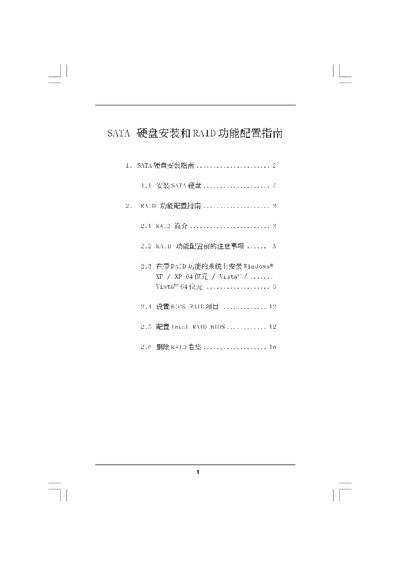

ASRock SATA Hard Disk Installation and RAID Function Reference Manual - cover page
Brand
ASRock
Category
Hard disk
Document type
Installation Guide
Language
Chinese
Pages
16
File format
PDF
File size
1.8 MB
Published
15 March, 2012
Updated
30 September, 2023
MD5 checksum
D6B9C0E33EF873DECF4386A74260D137

About this manual

This manual provides step‑by‑step instructions for installing SATA hard drives and setting up RAID configurations on ASRock motherboards. It covers hardware installation, BIOS settings, and the use of RAID management utilities.

The guide also explains the supported RAID levels, details the creation and deletion of RAID volumes, and includes troubleshooting notes for common issues during installation and configuration. This manual is written in Chinese.

What's inside

  • SATA Hard Disk Installation Guide
  • RAID Function Configuration Guide
  • RAID Overview
  • Supported RAID Levels
  • BIOS RAID Configuration
  • RAID Volume Management
  • RAID Deletion Procedure

Frequently asked questions

How do I install a SATA hard disk?

Follow the steps in section 1.1 “安装SATA硬角”, which describes connecting the drive to the SATA port and securing it in the chassis.

How can I delete an existing RAID volume?

Enter the RAID utility, select “Delete RAID Volume” and confirm the operation as shown on page 16.

Download PDF (1.8 MB)

More ASRock Manuals


View all ASRock manuals →