
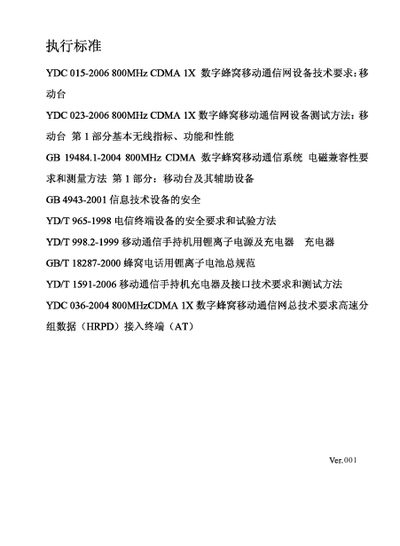
This manual introduces the Hisense HS‑E6 mobile phone, covering basic functions, navigation keys, and multimedia features. It includes safety statements, legal disclaimer, and guidelines for proper use.
The guide explains how to install the battery, UIM and memory cards, connect the USB data cable, and verify the phone’s authenticity using the network entry label and TENAA verification methods. It also provides RF exposure guidelines, a glossary of abbreviations, and environmental disposal instructions. This manual is written in Chinese.
| Network | 800 MHz CDMA 1X |
|---|---|
| Technology | EVDO |
| Battery type | Lithium‑ion |
Do not disassemble the phone; take it to an authorized service center for repair.
Insert the UIM card and memory card first, then install the battery as shown in the installation section.
Use the provided USB data cable to connect the phone to a computer for data transfer.