
This manual introduces the basic functions and operations of the phone.
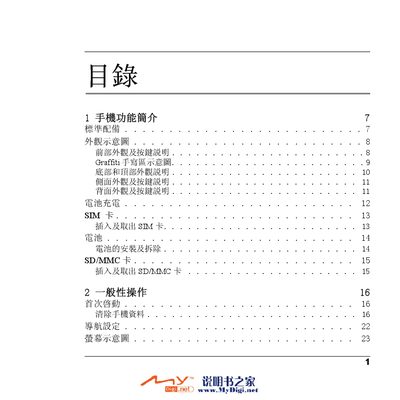
This manual covers the main features of the Palm M70 phone, including hardware components such as the battery, SD/MMC card slot, camera, and audio functions. It explains how to perform general operations like making calls, sending messages, managing contacts, and using Bluetooth and Wi‑Fi connectivity.
Additional sections describe advanced functions such as email setup, multimedia playback, personal information management, and safety guidelines including SAR limits and proper handling. The document also includes troubleshooting tips and a list of accessories. This manual is written in Chinese.
| Maximum SAR limit | 2.0 W/kg |
|---|---|
| Measured SAR value | 0.627 W/kg |
Use the "清除手機資料" function to erase all stored information.
The measured SAR value is 0.627 W/kg, which is below the maximum limit of 2.0 W/kg.
Locate the SD/MMC slot and insert the card as shown in the "SD/MMC本" section.