
This document is a user manual for a certain phone. It introduces the basic operation methods of the phone, including installing SIM cards and batteries, making phone calls, answering calls, receiving and sending text messages, etc.
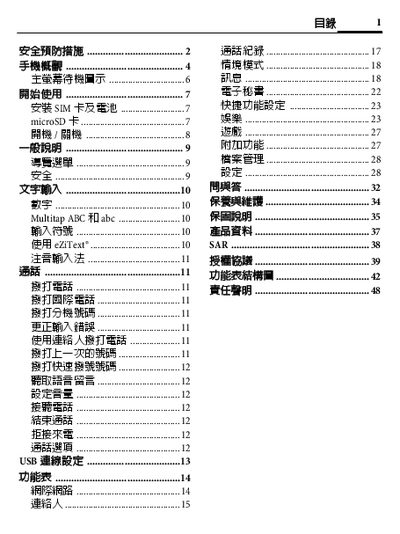
This manual begins with safety precautions, warning users about proper handling, battery use, and laser safety. It also explains the phone’s basic layout, button functions, and how to navigate menus.
The guide then covers essential setup steps such as installing the SIM card, inserting a microSD card, charging the battery, and using emergency features. Additional sections detail menu structure, signal strength indicators, and liability information. This manual is written in Chinese.
| Rated Voltage / Frequency | 3.7 V, GSM 900/1800/1900 MHz |
|---|---|
| Maximum Transmit Power | GSM 900 2 W, DCS 1800 1 W, PCS 1900 1 W |
Turn the phone off, open the battery cover, insert the SIM card with the cut corner facing left‑up and the metal contacts down, then replace the cover.
A full charge requires about four hours.
Dial 112 (the international emergency number) and press the call button.