
This is a mobile phone user manual, which mainly introduces the appearance of the phone buttons, interface icons, earphone usage methods, battery disassembly and charging, SIM card and memory card installation, network camera usage, power on and power off, dialing, receiving calls, text input, menu usage, menu functions and other contents
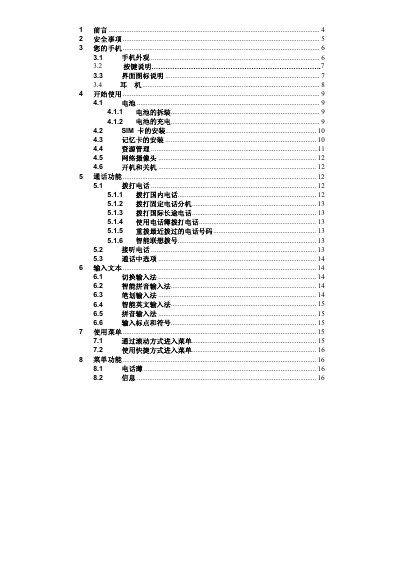
The manual begins with a preface and important safety information, reminding users to avoid using the phone while driving, on airplanes, in hospitals, at fuel stations, and near explosive environments. It then describes the phone’s appearance, key layout, and icon meanings.
Subsequent sections cover getting started (battery removal and charging, SIM and memory card installation), detailed call functions, text input methods, menu navigation, multimedia features, network services, battery information, and maintenance recommendations. This manual is written in Chinese.
| Battery type | Rechargeable battery |
|---|---|
| Network compatibility | GSM |
Remove the back cover, place the SIM card into the SIM slot as shown, then replace the cover.
Connect the charger to the phone’s right‑side connector; the phone will display a charging animation or a flashing battery icon.
Do not use the phone while driving; stop the vehicle before using it.