
This document is a user guide for a mobile phone, which introduces the safety precautions, usage methods, and various functions of the phone, such as the camera, MP3 player, and messaging. This phone has multiple features and settings, allowing users to make calls, take photos, listen to music, and send messages easily.
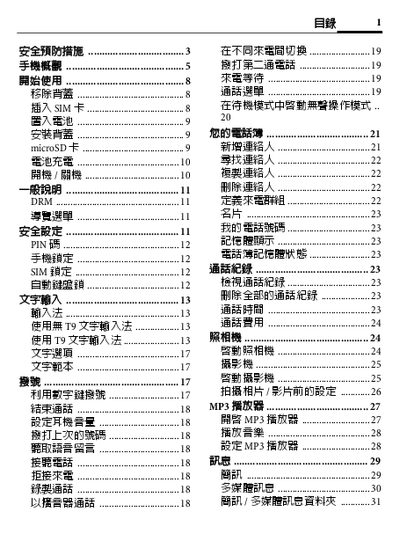
This manual begins with safety precautions, warning users about proper handling, SAR limits, and situations where the phone should not be used, such as in hospitals or near fuel. It also explains how to insert and remove the SIM card, microSD card, and battery safely.
Subsequent sections cover basic operation, including powering the phone on and off, using the MP3 player, camera, multimedia messaging, shortcut keys, and various operation modes (e.g., outdoor, meeting, flight). The final pages contain liability statements and product specifications for the BenQ‑Siemens C31. This manual is written in Chinese.
| Rated Voltage / Frequency | 3.7 V, GSM 900/1800/1900 MHz |
|---|---|
| Maximum Transmit Power | GSM 900: 2 W, DCS 1800: 1 W, PCS 1900: 1 W |
Press and hold the power key to turn the phone on or off.
Use the "Format microSD" option in the Media Center menu.