
This manual introduces basic operations and functions of the phone, including installing SIM card, connecting to the network, making phone calls, receiving phone calls, sending SMS, etc.
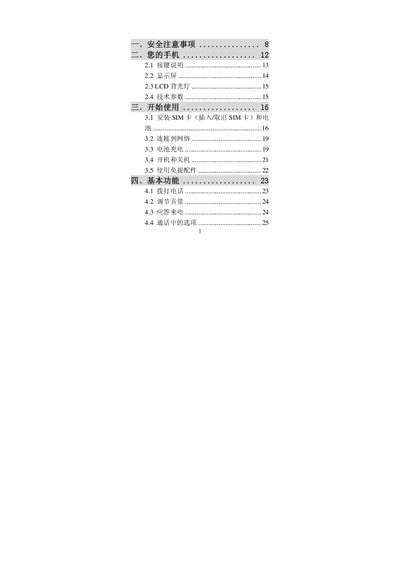
The manual explains how to install and remove the SIM card, connect accessories, and operate basic functions such as volume control, notifications, and hands‑free use. It also covers the setup of GPRS, camera, MP3 player, and health‑management features.
Safety notes are provided to prevent hazards while using the phone, including guidelines for handling the device near medical equipment, keeping the device away from children, and proper use of accessories. Additional sections describe optional tools, mode settings, and troubleshooting tips. This manual is written in Chinese.
Insert or remove the SIM card as described in section 3.1 of the manual.
Follow the safety notes provided in the manual to avoid hazards, especially when using the phone near medical equipment or around children.