
This document describes how to install SATA hard disks and configure RAID on this motherboard.
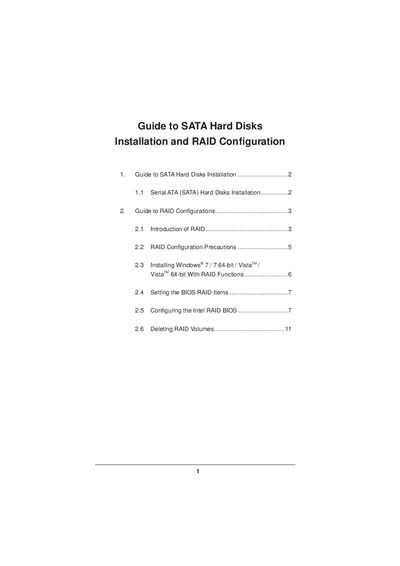
This guide explains how to install Serial ATA (SATA) hard disks on motherboards that use the Intel X79 chipset and how to set up various RAID configurations (RAID 0, 1, 5, 10, and Intel Rapid Storage). It includes installation precautions, BIOS settings, and Windows installation instructions.
Detailed procedures cover entering the BIOS, selecting RAID mode, creating and naming RAID volumes, choosing stripe sizes, and deleting RAID volumes. The document also provides recommendations for drive selection and data backup before configuring RAID.
| Number of SATA channels | 4 |
|---|---|
| Minimum drives for RAID 10 | 4 |
| Minimum drives for RAID 5 | 3 |
| Stripe size options | 8 KB to 128 KB |
Enter the BIOS setup utility, go to the Advanced screen, and set "SATA Operation Mode" to [RAID].
At least three identical hard‑disk drives are required for RAID 5.
No, only one RAID partition can be created at a time in the BIOS RAID environment.