
This manual introduces the features, usage methods, FAQs and warranty information of HEM-6050 electronic blood pressure monitor.
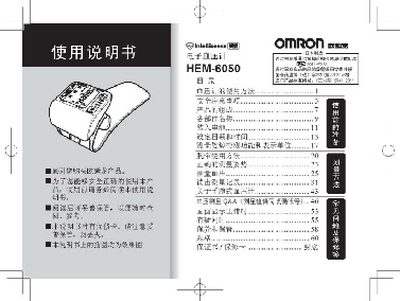
This manual explains how to set up and use the Omron HEM-6050 blood pressure monitor, including battery installation, date‑time setting, cuff placement, and proper measurement procedures. It also describes the contents of the packaging and how to verify that the product is complete.
Safety and maintenance guidelines are covered, such as using only the specified battery type, removing the battery for long‑term storage, avoiding improper handling of the cuff, and following medical advice when interpreting results. Warranty information and service contact details are provided at the end of the document. This manual is written in Chinese.
If the device will not be used for more than three months, remove the battery to prevent overheating, leakage, or rupture.
The device should not be used on children or individuals who cannot communicate their condition, as it may cause accidents or disputes.
Only the specified type of battery (as indicated in the manual) should be used; mixing different brands or types can cause overheating or damage.