
This is the user manual of Philips AZ1022 CD Soundmachine
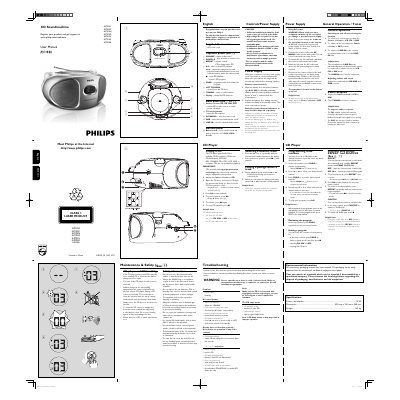
This manual explains how to set up and operate the Philips AZ102 CD Soundmachine, including connecting the AC power cord, inserting batteries, and using the control panel for volume, shuffle, repeat, and programming functions. Detailed safety information and maintenance tips are also provided to ensure safe and reliable use.
The document includes a specifications table (power consumption ≤ 15 W, dimensions 290 mm × 143 mm × 240 mm, weight 1.62 kg) and troubleshooting guidance for common issues such as no sound, battery problems, and CD playback errors.
| Power consumption | ≤ 15 W |
|---|---|
| Dimensions | 290 mm x 143 mm x 240 mm |
| Weight | 1.62 kg |
Open the battery door and insert six 1.5 V R‑14, UM‑2 or C‑cell batteries with the correct polarity, then close the door.
Connect an external audio source to the LINE‑IN inlet; the unit automatically switches to line‑in mode.
Check that the volume is turned up and that the AC power cord or batteries are correctly connected and functional.