
Philips Internal S-ATA Drive Installation Guide

This manual provides detailed instructions on how to install Western Digital internal S-ATA drives.
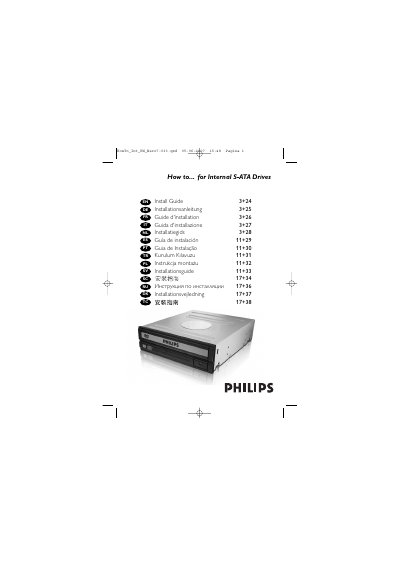

Philips Internal S-ATA Drive Installation Guide - cover page
Brand
Philips
Category
Optical drive
Document type
Installation Guide
Language
English
Pages
44
File format
PDF
File size
1.3 MB
Published
13 March, 2012
Updated
30 September, 2023
MD5 checksum
5E34307AB8D53AFFB01436F27D6E20A7

About this manual

This guide provides all the information needed to install a Philips internal S‑ATA drive, from unpacking the unit to securing it inside the computer case. It includes safety precautions, cable connections, and final system restart instructions.

The manual is multilingual, but the English sections detail each installation step, showing how to attach the data and power cables, secure the drive with screws, and safely power the computer back on.

What's inside

  • Box contents
  • Safety precautions
  • Preparing the computer
  • Connecting S‑ATA data cable
  • Connecting S‑ATA power cable
  • Securing the drive
  • Reassembling the case
  • Restarting the computer

Frequently asked questions

What is included in the box?

The box contains the new drive, this manual, and four screws in a small bag.

How do I connect the S‑ATA data cable to the drive?

Attach the S‑ATA data cable to the drive as shown on the back of the unit.

How do I secure the drive after installation?

Secure the drive with the provided screws on both sides if possible, then replace the computer cover.

Download PDF (1.3 MB)

More Philips Manuals


View all Philips manuals →