
BDP9500 user manual is a manual about BDP9500 product, which introduces the features and usage of the product, including connection, playback, settings, etc.
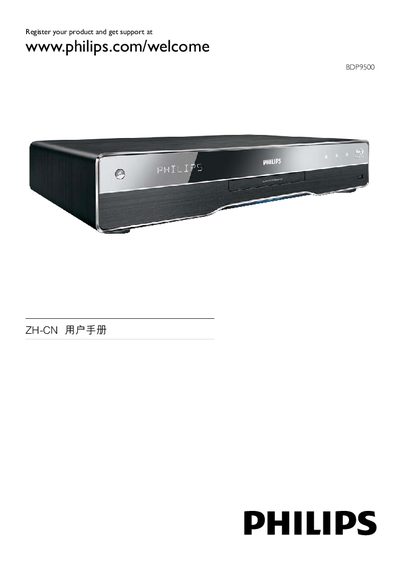
This manual guides users through registering the BDP9500, connecting HDMI, USB, and LAN cables, and using Philips EasyLink for HDMI‑CEC control. It also lists supported audio and video formats, such as 1080p video, 7.1‑channel audio, and Blu‑ray Live features.
Detailed menu navigation is covered, including the DISC MENU, SETTINGS, AUDIO, VIDEO, and BONUSVIEW functions. Legal notices, warranty information, and open‑source software terms are included at the end of the document. This manual is written in Chinese.
| Audio output channels | 7.1 channel |
|---|---|
| HDMI version | 1.3 |
Register the product at www.philips.com/welcome as shown on the first page.
EasyLink enables HDMI‑CEC control, allowing the BDP9500 to control and be controlled by other HDMI devices.
The player supports Dolby TrueHD, DTS‑HD Master Audio, and other high‑definition audio formats.