
This document introduces the features and characteristics of the BDL3215E and BDL4225E products
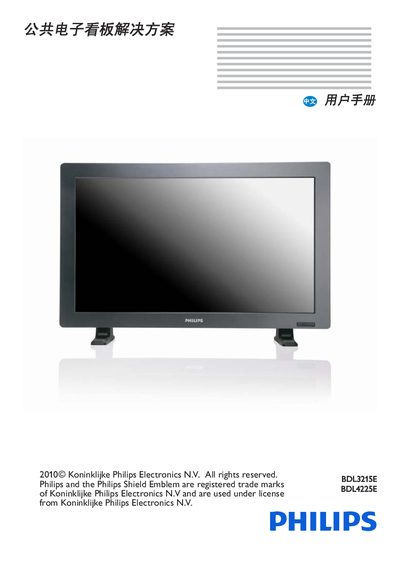
This document is the user manual for the Philips BDL3215E and BDL4225E displays. It includes safety warnings, compliance information, and connector pin assignments.
It covers on-screen display settings such as Smart Picture Mode, audio source switching, control lock mode, and OSD options, along with VGA, S-Video, HDMI, and RS-232C connector pinouts.
| VGA connector | 15-pin Mini D-SUB |
|---|---|
| S-Video connector | 4-pin Mini DIN |
| HDMI connector | HDMI |
| RS-232C connector | 9-pin Mini D-SUB |
| FCC classification | Class B digital device |
It is a Class B digital device under Part 15 of the FCC Rules.
Smart Picture Mode, audio source switching, control lock mode, and OSD settings are listed.
Yes, S-Video connector pin assignments are included.
Yes, HDMI connector pin assignments are listed.