
This document is an instruction manual for the calculator protective case, including the steps to remove and install the protective case, as well as safety precautions for using the calculator. It also mentions the use of batteries and the disposal of the calculator. The calculator is suitable for models SA0204-B and HA310975-1.
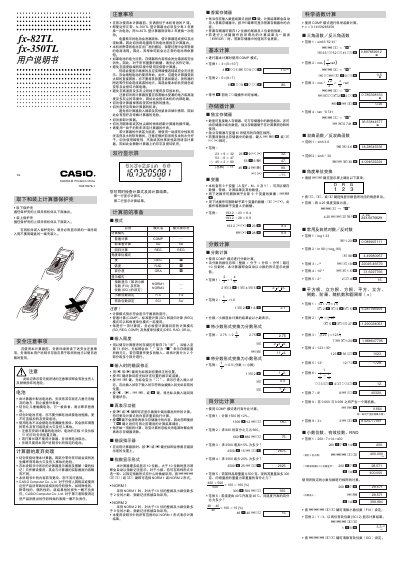
This manual begins with safety precautions, battery handling instructions, and disposal guidelines for the fx-82TL and fx-350TL calculators. It explains how to install and replace the AA battery for the fx-82TL and the G13 (LR44) button cell for the fx-350TL, and it warns about hazards such as battery leakage and improper charging.
The document then details the calculator’s operation, covering basic arithmetic, scientific functions, statistical calculations, regression modes, error handling, and power‑saving features. It also lists the technical specifications, including dimensions, weight, power consumption, and operating temperature range. This manual is written in Chinese.
| Battery type (fx-82TL) | AA (R6P / SUM‑3) |
|---|---|
| Battery type (fx-350TL) | G13 (LR44) button cell |
| Dimensions (fx-82TL) | 19.3 mm (H) × 76 mm (W) × 164 mm (L) |
| Dimensions (fx-350TL) | 10 mm (H) × 76 mm (W) × 150 mm (L) |
| Weight (fx-82TL) | 115 g (including battery) |
| Weight (fx-350TL) | 90 g (including battery) |
| Power consumption | 0.0001 W |
| Operating temperature range | 0 °C ~ 40 °C |
| Battery life (fx-82TL) | ≈ 17 000 hours display time; ≈ 2 years standby |
| Battery life (fx-350TL) | ≈ 12 000 hours display time; ≈ 3 years standby |
Press the [Clear] key to clear the error, or press the [Shift] or [Mode] key to display the expression and correct it as described in the “Error Indicator” section.
If the calculator is idle for 6 minutes, it automatically powers off; pressing any key (e.g., the [Shift] key) will turn it back on.