
This is an instruction manual for a remote control. The manual lists the names and functions of various buttons.
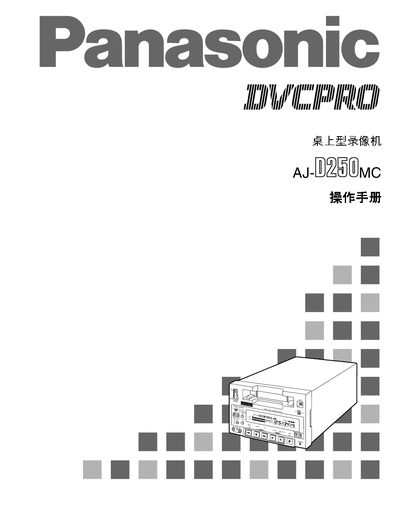
The AJ-D250MC is a compact desktop VCR that records on 1/4‑inch digital tapes. It features built‑in timecode generation, dual‑channel digital audio, and optional remote control support. The manual provides detailed instructions for setup, tape handling, menu navigation, and safety precautions.
Key sections include product overview, front‑panel functions, interface board details, recording/playback operations, menu settings, and safety warnings. Users are guided through tape insertion, recording limits, repeat playback, and troubleshooting. This manual is written in Chinese.
| Dimensions (W×H×D) | 214 mm × 132 mm × 391 mm |
|---|---|
| Maximum recording time (generic tape) | 184 minutes |
| Tape width compatibility | 1/4‑inch |
| Audio channels | Dual‑channel high‑quality digital audio |
| Timecode generator/reader | TCG / TCR built‑in |
| Remote control interface | 9‑pin auxiliary control connector |
It can record up to 184 minutes on a generic tape.
Press the EJECT key; the tape will be unloaded and automatically pop out after a few seconds.
Connect the power plug to a standard three‑hole grounded outlet to ensure proper grounding.