
The document is a user manual of Lenovo Jiayu S series computer. It introduces the hardware of the computer, including the front and back panel, power button, hard disk indicator, power indicator, USB port, microphone port, audio jack, optical drive, and card reader.
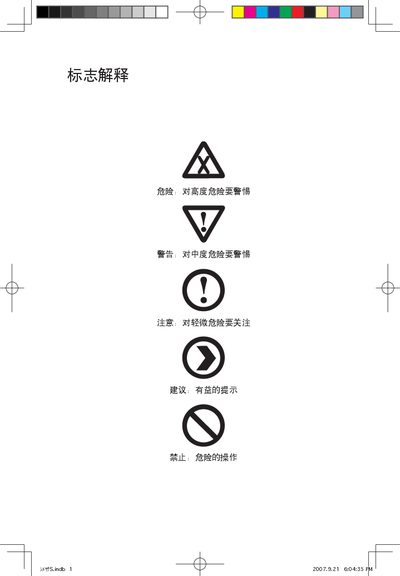
This manual describes the hardware of the JiaYue S series computer, including front‑panel buttons, front and rear I/O ports, power indicators, and safety precautions for proper installation and use.
It also covers the Lenovo rescue system, driver and software installation, one‑key recovery, system backup, disk cleanup, and special notes for Windows Vista, as well as a troubleshooting section for display, sound, and other common issues. This manual is written in Chinese.
| Power Input Voltage | 220 V |
|---|---|
| Supported Operating System | Windows Vista |
Pressing the F‑1 button powers the computer on or off.
The drivers for this model only support Windows Vista.