
The Coolpad 8190 user manual provides safety guidelines, setup instructions, and detailed operating features for the smartphone.
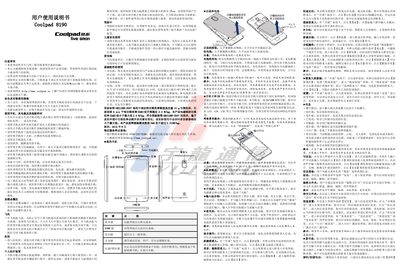
This manual explains safety precautions such as avoiding liquid exposure, high temperatures, and using the phone in restricted areas like aircraft, hospitals, and explosive zones. It also covers proper handling of the battery, SIM and SD cards, and the use of original accessories.
The guide details how to operate the device, including calling, messaging, internet access, Bluetooth, Wi‑Fi, and various settings like privacy mode, display, sound, and security features. Technical specifications such as dimensions, screen size, network modes, camera resolution, and battery capacity are listed at the end. This manual is written in Chinese.
| Dimensions | 126mm × 65mm × 8.9mm |
|---|---|
| Screen | 4.5‑inch IPS, 960×540 resolution |
| Network Mode | TD‑SCDMA / GSM |
| Rear Camera | 5 MP AF |
| Front Camera | 0.3 MP |
| Battery Capacity | 1650 mAh |
| Battery Voltage | 3.7 V |
Power off the phone first, then follow the removal steps; the manual states you must shut down before changing or removing the battery.
The SAR value does not exceed 0.315 W/kg, complying with the GB21288‑2007 standard.