
Introduces the usage precautions of Coolpad phones, including the usage environment, usage temperature, and items that cannot be placed around the phone.
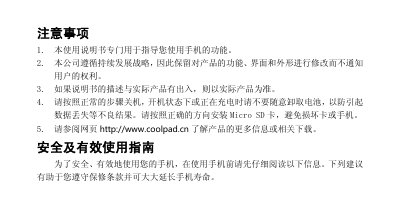
This manual provides safety and usage instructions for the Coolpad 9900 smartphone, including handling precautions, battery care, and environmental restrictions such as airplane, hospital, and explosive‑area usage. It also lists authorized service centers and explains the registration SMS feature for after‑sales support.
The document contains a detailed table of contents covering basic operations, privacy mode, input methods, contacts, messaging, call settings, network selection, multimedia functions, and system settings, as well as a technical data section with dimensions, network modes, storage, camera specifications, and SAR values. This manual is written in Chinese.
| Dimensions | 141 mm × 68 mm × 9.9 mm |
|---|---|
| SIM type | Dual mini‑SIM (双小型插入卡) |
| Network mode | CDMA2000 EVDO Rev.A + GSM |
| Memory | DDR2 6 Gb + eMMC 4 GB |
| Camera | 8 MP auto‑focus |
| SAR (max) | 0.948 W/kg |
Turn the phone off or switch it to flight mode and follow all safety signs and instructions on the aircraft.
The phone’s SAR value does not exceed 0.948 W/kg, which is below the regulatory limit of 2.0 W/kg.
Only the original Coolpad‑specified charger and battery should be used; non‑original batteries are not permitted.
Keep the phone at least 15 cm away from pacemakers or other implanted devices, and avoid placing it in a chest pocket.