
This document describes the features and characteristics of SD cards and the SDR-H90GK and SDR-H80GK products.
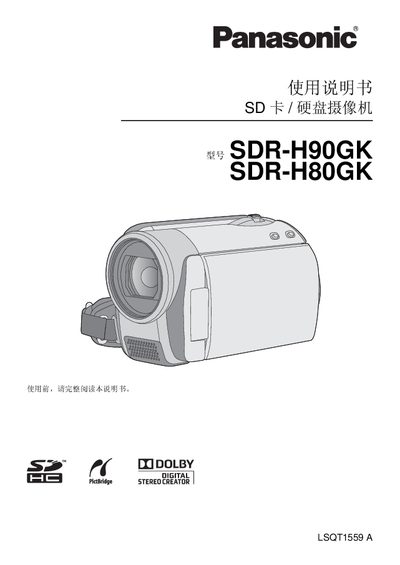
This manual provides safety warnings, setup instructions, and operating guidance for the Panasonic SDR‑H90GK and SDR‑H80GK camcorders. It explains how to insert SD/SDHC cards, connect power adapters, and use the LCD monitor and control buttons.
The document also details accessory parts, battery handling, and environmental disposal information, along with troubleshooting tips and software installation for PC and Mac users. This manual is written in Chinese.
| Supported memory cards | SD and SDHC cards; cards >4 GB without SDHC logo not supported |
|---|---|
| Maximum external cable length | 3 meters |
| Battery type | Lithium‑ion battery AVW‑VBG070GK (and variants) |
No, memory cards larger than 4 GB without the SDHC logo do not meet the SD card specifications.
External cables must not exceed 3 meters in length.
The camcorder uses lithium‑ion batteries such as AVW‑VBG070GK (and other AVW‑VBG series variants).