
AiGuru U1 USB Skype Phone is a product launched by Asus Computer in 2008. This product is a USB phone that supports Skype calls, with a simple and easy-to-use design and various features such as dialing, answering calls, and call history.
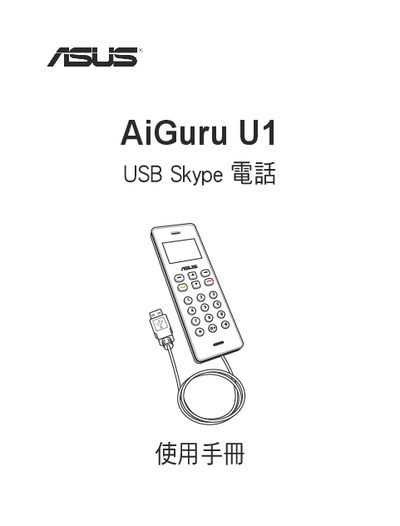
This manual covers safety precautions, product specifications, and step‑by‑step installation of the AiGuru U1 USB Skype phone, including driver and application setup on Windows PCs. It also explains how to use the phone for Skype calls, manage contacts, and access voicemail.
Additional sections provide common troubleshooting tips, packaging contents, and contact information for ASUS support worldwide. This manual is written in Chinese.
Follow the installation steps in Chapter 2, sections 2.1‑2.4, which guide you through installing the AiGuru U1 utility program and the Skype application.
Use only original accessories, have a qualified technician perform service, and follow the safety notes provided in the manual before operating the phone.