
This user manual provides detailed instructions on how to use and configure the AS-D770 motherboard
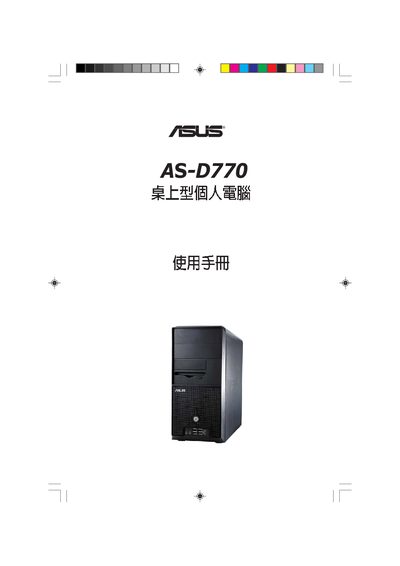
This manual guides users through the initial setup and operation of the ASUS AS-D770 desktop PC, covering hardware configuration, BIOS settings, and recovery options. It includes detailed menus for system information, CPU configuration, power management, and boot device priority.
Additional sections describe jumper modes, recovery CD usage, and provide contact information for ASUS support worldwide. The document is organized to help both end‑users and technicians quickly locate the needed procedures.
| IDE Interface | S802 (Primary, Third and Fourth IDE Master/Slave) |
|---|---|
| Suspend Mode | AUWO |
| ACPI APIC Support | Enabled |
Use the Boot Device Priority option in the BIOS Boot menu to set the order of boot devices.
Set ACPI APIC Support to Enabled in the BIOS Power Management settings.