
This document describes the specifications and features of a car audio MP3 CD player/radio. The audio system has a 12V DC power supply and a maximum output power of 50W×4 channels. The tone can be adjusted for bass and treble with a range of ±12dB at 100Hz and 10kHz respectively. It includes FM stereo radio and AM radio functions. The CD player features a sampling rate of over 8 times and a 1-bit DAC system. The product is manufactured by Panasonic Corporation in Taiwan.
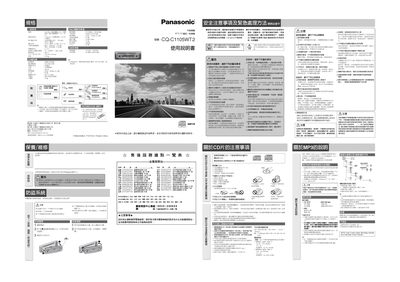
This manual provides safety warnings, installation steps, and operating instructions for the Panasonic ZZBISC1101U-J car audio system. It explains how to connect power, mount the unit, and avoid hazards such as overheating or improper wiring.
The guide also covers usage features like clock setting, CD/MP3 playback, radio tuning, sound quality adjustments, and troubleshooting common problems. Service and warranty information are included for authorized repair. This manual is written in Chinese.
| 尺寸 (寬×高×深) | 178x50x158 mm |
|---|---|
| 重量 | 145 g |
| 輸出功率 | 18 W |
| 採樣頻率 | 32, 44.1, 48 kHz |
| 位率 | 8k-160 kbps |
| 音量範圍 | 0–40 (initial 18) |
Press the [DISP] (CLOCK) button to enter clock mode, then use the [+] and [–] keys to adjust hours and minutes.
Use the [VOL] button to increase or decrease the volume within the range of 0 to 40.
Open the CD slot, place the disc with the label side up, and close the slot; the unit powers on automatically.
Immediately turn off the power and stop using the device; contact an authorized Panasonic service center.