
This is a user manual for the LBP3000 laser printer. The manual includes instructions for installation, connecting to a computer, printing methods, basic operations, troubleshooting, routine maintenance, etc.
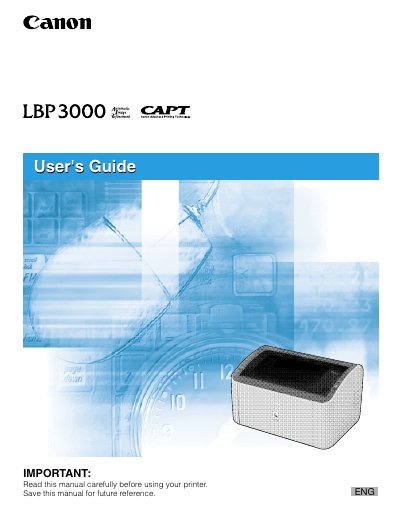
This guide explains how to install the Canon LBP3000 laser printer, load paper, configure driver settings, and use the printer from various Windows operating systems. It includes chapters on installation, connecting to a computer, and detailed printing options such as paper size, quality, and finishing methods.
The manual also covers routine maintenance, toner cartridge replacement, cleaning procedures, and troubleshooting common errors. An appendix provides the printer’s serial‑number format and other service information.
| Serial Number Format | Four alphabetic characters followed by six digits |
|---|
Install the CAPT software from the supplied CD-ROM using the installation wizard, then follow the on‑screen prompts for your Windows version.
Open the front cover, remove the used cartridge, and insert a new toner cartridge as described in the Routine Maintenance chapter.
Use Adobe Reader or Adobe Acrobat Reader to open the PDF files included on the CD‑ROM.