
VoiceStation™ 300 is a conference phone product from Polycom, which uses Acoustic Clarity technology to provide clear full-duplex two-way voice communication. It has the ability to dynamically adapt to the indoor environment, eliminate echo and intermittent sound. It features three built-in microphones to capture sound from the entire room.
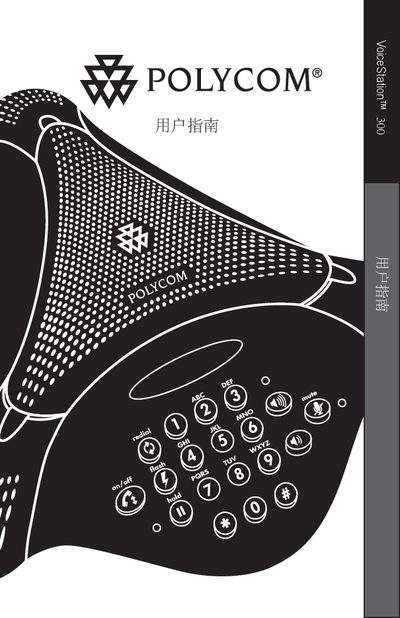
This manual covers the basic operation of the Polycom VoiceStation 300, including how to use its handset, speaker, and wall‑module data ports. It also describes the device’s key functions such as mute, hold, redial, and volume control.
The document includes compliance statements confirming that the VoiceStation 300 meets the requirements of EU Directive 1999/5/EC, as well as contact information for Polycom support and service centers.
You can reach Polycom at 408‑526‑9000 or visit their website at http://www.polycom.com.