
VVX 500 Package Contents
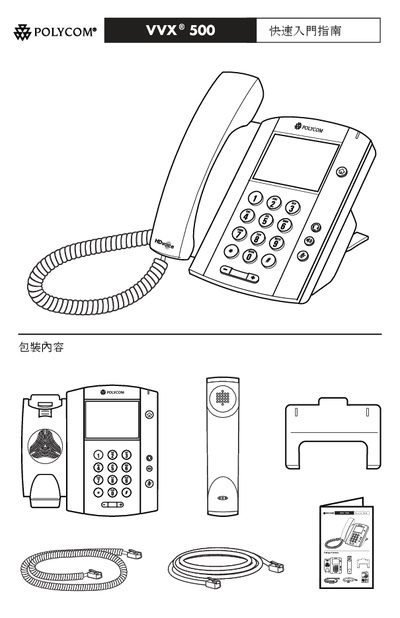
The guide outlines the main features of the VVX 500 telephone, including optional wall‑mount accessories, color display, and support for both wired and wireless headsets. It explains how to connect the phone to power using an optional AC adapter or a 48 V DC external supply when Power over Ethernet is not available.
Safety and regulatory information is included, noting CE marking and compliance with relevant standards. The document also lists optional accessories such as headsets (RT‑9, USB, or RJ‑9 EHS) and provides guidance on proper installation and environmental limits. This manual is written in Chinese.
| Rated current | 0.388 A |
|---|
Yes, a wall‑mount kit is available as an optional accessory for mounting the phone on a wall.
The device carries the CE marking and complies with the applicable safety and regulatory standards.