
This document is the user manual for Explorer ® Digital Set-Top User's Guide Models 4240HDC TM and 4250HDC TM with Multi-Stream CableCARD TM Interface.
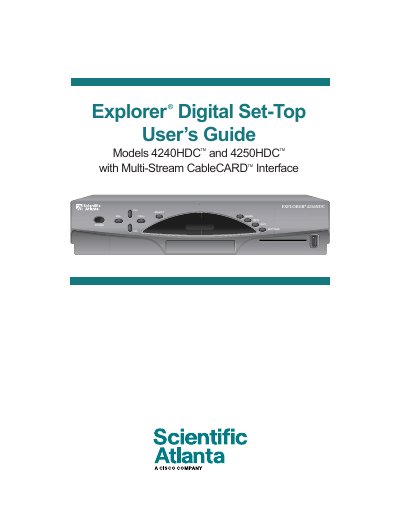
This guide explains how to install and safely operate the Explorer 4240HDC/4250HDC set‑top boxes. It includes important safety warnings, grounding requirements, and FCC compliance information to protect users from electric shock and fire hazards.
The manual details the front‑panel controls, available video outputs (HDMI, DVI, component, S‑Video, RF coaxial, USB, IEEE‑1394), and the cables needed to connect the box to TVs, VCRs, and home‑theater equipment. It also covers troubleshooting, picture‑format selection, and software‑update procedures.
| Supported Output Resolutions | 1080i, 720p, 480p, 480i |
|---|
The serial number begins with “STB SN” and is printed on a label on the back of the unit, beneath the barcode.