
Key facts
- Manuals
- 28
- Languages
- EN · ZH
- Last added
- 2012-07-04
Featured Scientific manuals
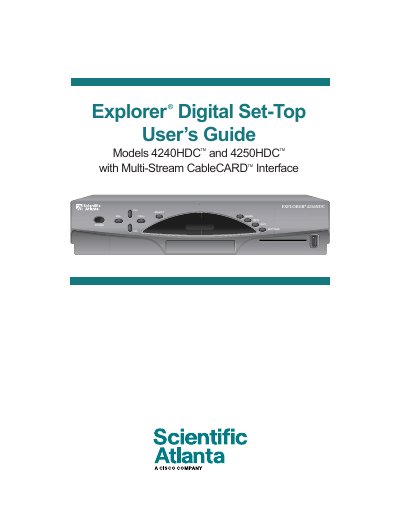
Scientific Atlanta Explorer Digital Set-Top User Guide
This guide explains how to install and safely operate the Explorer 4240HDC/4250HDC set‑top boxes. It includes important safety warnings, grounding requirements, and FCC compliance information to protect users from electric shock and fire hazards.
The manual details the front‑panel controls, available video outputs (HDMI, DVI, component, S‑Video, RF coaxial, USB, IEEE‑1394), and the cables needed to connect the box to TVs, VCRs, and home‑theater equipment. It also covers troubleshooting, picture‑format selection, and software‑update procedures.
Covers: Important Safety Instructions · Identify Your 4240HDC or 4250HDC · What’s in the Carton? · Front Panel Overview · Connecting the Set‑top · Picture Formats
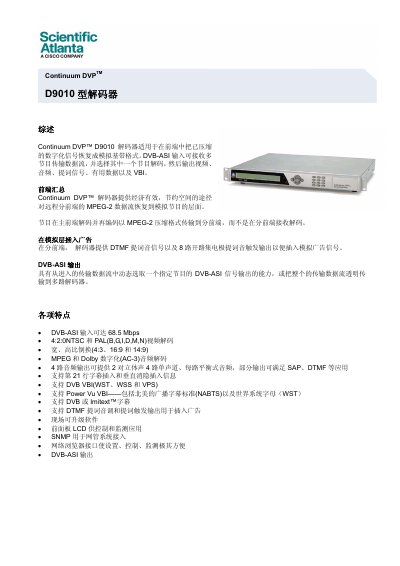
Scientific-Atlanta Continuum DVP D9010 Decoder Manual
The Continuum DVP™ D9010 decoder restores compressed digital signals to analog baseband format, supporting DVB‑ASI input up to 68.5 Mbps and outputting video, audio, VBI and cue tones. It is designed for front‑end applications where MPEG‑2 streams are decoded and re‑encoded for distribution.
The manual provides an overview of features, application diagram, detailed specifications, ordering information and installation guidance for the 1RU, 4.5 kg unit. This manual is written in Chinese.
Covers: Overview · Application Diagram · Specifications · Ordering Information
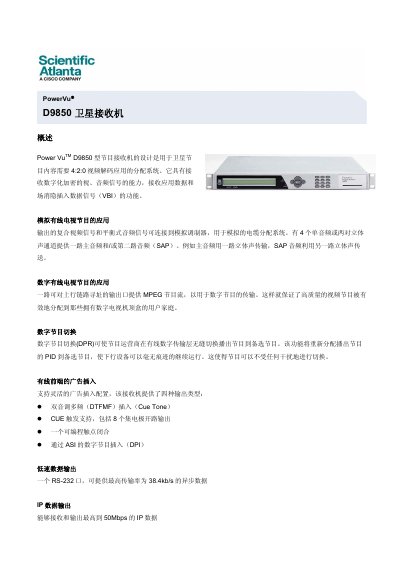
Power Vu D9850 Satellite Receiver Specification Sheet
The Power Vu D9850 is a satellite program receiver designed for 4:2:0 video decoding applications. It can receive encrypted audio/video signals, application data, and VBI data, providing both analog and digital cable TV outputs with flexible audio channel configurations.
The unit offers multiple interfaces including RS‑232, Ethernet (up to 50 Mbps), ASI, SDI, and AES‑3id audio, and supports optional features such as BISS conditional access and digital program replacement. Environmental specifications cover operation from 0 °C to 50 °C, with a power supply range of 100‑240 V and a 1 RU, 4.5 kg chassis. This manual is written in Chinese.
Covers: Overview · Main Features · System Specifications · VBI and Data Outputs · Environmental Requirements · Physical Dimensions
Hart Scientific 7341 Temperature Bath User Manual
The Hart Scientific 7341 is a calibrated temperature bath used for laboratory testing and measurement. This manual introduces the instrument, its key features, and the intended applications.
The document covers safety warnings, installation of the anti‑tilt bracket, connection of power and communication interfaces, operation of the controller, calibration methods, refrigerant handling, and detailed troubleshooting steps for common issues such as temperature instability and irregular heating. This manual is written in Chinese.
Covers: Safety Information · Overview · Technical Specifications · Quick Guide · Using the Temperature Bath · Components and Controls
Latest Scientific manuals
Scientific Atlanata Explorer 8300HD Digital Video Recorder Manual
Scientific Atlanta Explorer 8000/8000HD DVR Manual
The document introduces the functions and features of the Explorer 8000 DVR, including recording, pausing, replaying, slow motion, fast forwarding, etc., and details how to use the DVR to record and play TV programs
Scientific Atlanta Explorer 2200/3200 user installation Service Manual
This document is about the safety instructions for EXPLORER® Digital Home Communications Terminal models: Models E2200 and E3200
SCIENTIFIC INSTRUMENTS Aerospace Signal Conditioning Modules
The Series 39 Signal Conditioning Modules is a microprocessor-based signal conditioning module offers rugged construction and linearized 0-5 volt outputs. The Series 39s are designed to be used in conjunction with Series 44 Temperature probes.
Scientific Instruments Aerospace Products
SCIENTIFIC INSTRUMENTS B7000CMM(2)_Component service manual
SCIENTIFIC INSTRUMENTS 21-52-45 B7300_Component service manual
SCIENTIFIC INSTRUMENTS 21-52-43 B7280_Component service manual
SCIENTIFIC INSTRUMENTS 21-52-42 B7270_Component service manual
SCIENTIFIC INSTRUMENTS 21-52-24 B7220_Component service manual
SCIENTIFIC INSTRUMENTS 21-52-11 B7230_Component service manual
SCIENTIFIC INSTRUMENTS 21-52-01 B7200_Component service manual
SCIENTIFIC INSTRUMENTS 21-51-60 B7180_Component service manual
SCIENTIFIC INSTRUMENTS 21-51-59 B7170_Component service manual
SCIENTIFIC INSTRUMENTS 21-51-57 B7150_Component service manual
- 1
- 2
Which document do I need?
User Manual
Day-to-day operation, settings and troubleshooting. Start here if the product is already set up.
Datasheet
Ratings, dimensions and ordering codes, for selection and design work.
Questions answered in Scientific manuals
How can I locate the serial number on the set‑top box?
The serial number begins with “STB SN” and is printed on a label on the back of the unit, beneath the barcode.
From: Scientific Atlanta Explorer Digital Set-Top User Guide
What is the maximum input data rate supported by the D9010 decoder?
The decoder accepts DVB‑ASI input up to 68.5 Mbps.
Which video standards can the D9010 decode?
It decodes 4:2:0 NTSC and PAL (B, G, I, D, M, N) video formats.
How many L‑band inputs does the D9850 have?
The D9850 provides four L‑band inputs.
What is the supported frequency range of the receiver?
It operates from 950 MHz to 2150 MHz.
Why does the temperature bath become unstable with oscillations?
Because the proportional band is set too narrow; increasing the proportional band width stabilizes the temperature.