
This manual explains how to use the AT8450™ AllTouch® Universal Remote Control to control various devices.
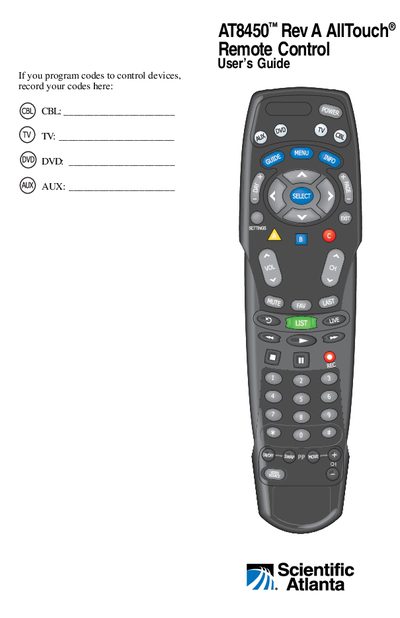
This guide introduces the AT8450 AllTouch universal remote, describing its four mode keys (CBL, TV, DVD, AUX) and basic functions such as power, volume, and channel control. It covers initial setup steps, battery installation, and safety information.
The manual explains how to program devices, reassign mode keys, search the code library when codes fail, and provides code tables for many brands. It also includes FCC compliance details and troubleshooting tips.
| Battery type | Two AA alkaline batteries |
|---|---|
| Code library size – CBL mode | 22 codes |
| Code library size – TV mode | 219 codes |
| Code library size – DVD mode | 206 codes |
| Code library size – AUX mode | 37 codes |
| FCC compliance | Class B digital device |
It requires two AA alkaline batteries.