
This remote control can control STB, TV, DVD, AUX and other devices, and record, pause, play programs, adjust volume, mute and other functions.
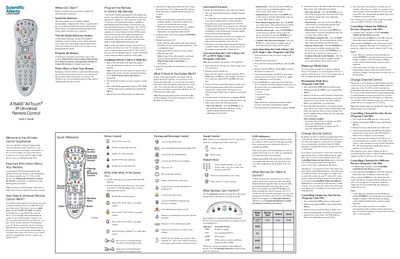
This guide introduces the AT6400 All Touch® infrared universal remote, describing its four mode keys (STB, TV, DVD, AUX) and how the remote controls up to four devices. It covers initial setup, battery installation, and the Quick Reference section for key functions.
Detailed sections walk you through programming device codes, using the Auto‑Search feature, reassigning mode keys, and customizing volume, channel, and power controls. The manual also provides reset instructions, troubleshooting tips, and safety warnings for proper use.
| Battery type | AA alkaline (recommended) |
|---|---|
| Number of batteries | 2 |
| Mode keys | 4 (STB, TV, DVD, AUX) |
| LED indicators | Red LEDs under each mode key, green LEDs for key activity |
| Control technology | Infrared (IR) universal remote |
It requires two AA alkaline batteries.
Press and hold the STB and OK keys, then enter code 900 to reset.