
This document is a user manual for PF700 Version 1.3 digital photo frame, which introduces the features and functions of the product. The digital photo frame can display photos, play music and videos, support USB flash drives and memory cards, and come with a remote control for easy operation. The user manual also includes detailed instructions on installing the digital photo frame, connecting to a computer, and using the photo and music functions.
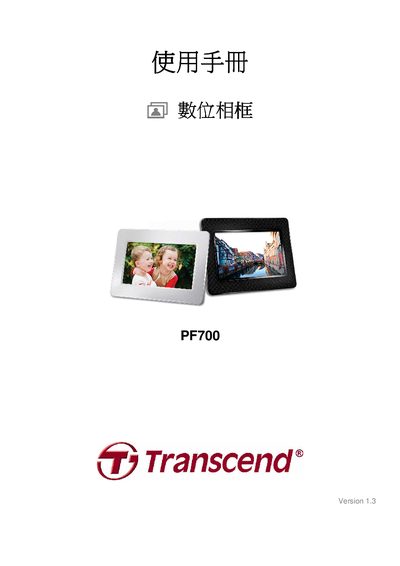
The PF700 is a 7‑inch 16:9 TFT LCD digital photo frame with a native resolution of 480 × 234 pixels. It supports image files in JPEG format up to 9000 × 6750 pixels, video playback up to 720 × 480, and audio files in MP3, WMA, and WAV formats with various bitrates.
The device can be powered from an AC source (100‑240 V, 0.3 A) or via a 5 V DC supply (2.0 A) and includes USB 2.0, mini‑USB, and SD/SDHC/MMC/MS card slots for media input. The manual also covers menu navigation, connectivity options, and warranty registration information.
| Display size | 7" (16:9) TFT LCD |
|---|---|
| Display resolution | 480 × 234 pixels |
| Power input (AC) | 100‑240 V, 0.3 A |
| Power input (DC) | 5 V DC, 2.0 A |
| Dimensions | 205 mm × 143 mm × 29 mm |
| Supported image format | JPEG (up to 9000 × 6750) |
| Supported video format | MPEG up to 720 × 480 |
| Audio bitrate range (MP3) | 32 kbps – 320 kbps |
| Audio bitrate range (WMA) | 32 kbps – 192 kbps |
The display has a native resolution of 480 × 234 pixels.