
This document is a user manual for the PF700 digital photo frame by Transcend. It describes the features and characteristics of the product.
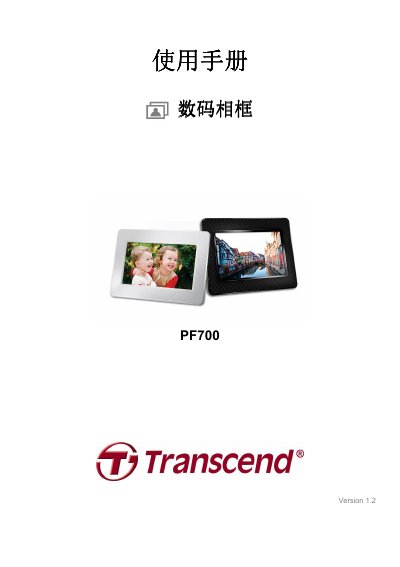
This manual introduces the Transcend PF700 digital photo frame, describing its 7‑inch TFT LCD display, built‑in speaker, storage options, and supported media formats. It also lists the required system specifications for connecting the frame to a computer.
The guide covers installation steps, menu navigation, remote‑control usage, and detailed safety and warranty information, helping users get the most out of the frame’s photo, video, and music features. This manual is written in Chinese.
| Screen | 7" 16:9 TFT LCD, 480x234 pixels |
|---|---|
| USB Interfaces | Standard USB‑A x1; USB mini‑B x1 |
| Dimensions | 205 mm × 143 mm × 29 mm |
| Power Input | 100‑240 V 0.3 A, 5 V DC 2.0 A output |
| Operating Temperature | 0 °C – 40 °C |
| Supported Photo Format | DSC JPEG up to 9000 × 6750 |
| Supported Video Format | Motion JPEG (AVI & MOV) up to 720 × 480 @30 FPS |
| Supported Music Formats | MP3, WMA (no DRM), WAV |
Insert a storage card that contains the new software, select the Software Update option in the Settings menu, and follow the on‑screen prompts to install the update.
Press the volume control button on the frame or remote, then use the up/down keys to increase or decrease the sound level.
Reconnect the AC power adapter, press the power button on the back of the frame, and the internal backup battery will keep the time and date for up to three days.