
The MP330 is a powerful MP3 player that supports MP3, WMA, WMA-DRM10 and WAV audio formats. It has a white OLED display that can clearly display text content at any angle and under any lighting conditions. It supports FM radio, FM recording, high-quality digital recorder, audio input recording, lyrics synchronization display, A-B loop playback, and multiple variable audio track playback speeds.
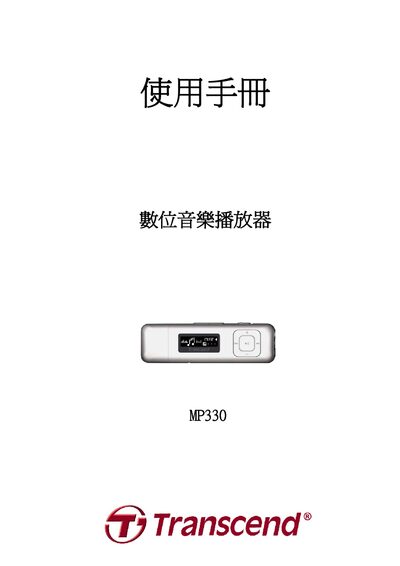
The Transcend MP330 is a portable digital music player that supports MP3, WMA, WMA-DRM10, and WAV formats. It features a white OLED screen, built-in FM radio with 20 preset channels, recording functions, and a built-in USB 2.0 connector for file transfer.
This user manual explains safety precautions, basic operation, the MP330 overview, music and radio modes, recording, settings, driver installation, computer connection, product specifications, warranty terms, and troubleshooting. This manual is written in Chinese.
| Audio formats | MP3, WMA, WMA-DRM10, WAV |
|---|---|
| Display | White OLED screen |
| FM presets | 20 channels |
| Interface | USB 2.0 |
| Battery life | Approx. 10 hours music playback |
| Max volume | 100 dB |
It supports MP3, WMA, WMA-DRM10, and WAV music formats.
The built-in lithium polymer battery provides approximately 10 hours of continuous music playback.
Up to 20 FM radio channels can be preset on the MP330.
Check whether the hold switch is turned on, and turn it off if it is.