
The Edifier C6XD user manual provides safety warnings, product contents, connection instructions, operation controls, and troubleshooting tips.
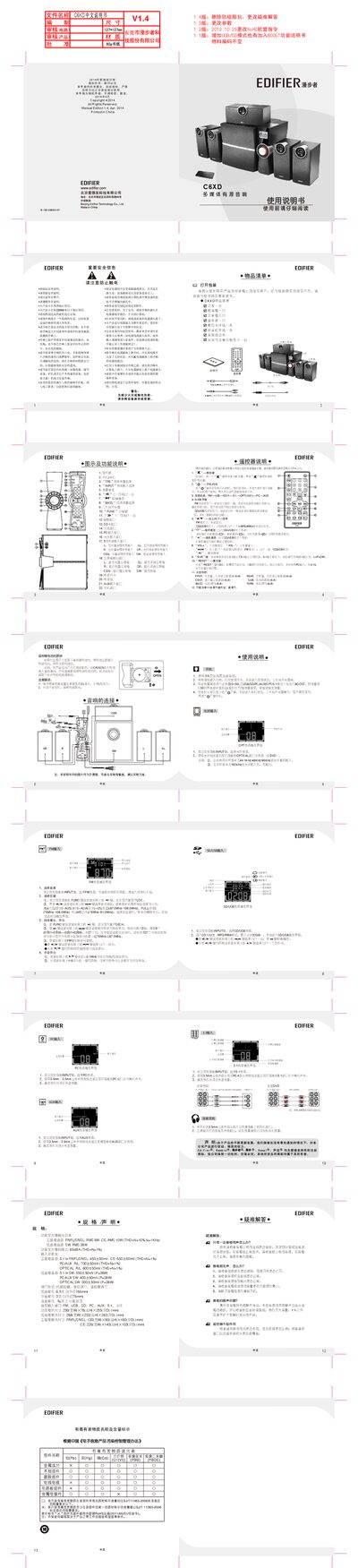
This manual begins with safety information and a list of items included in the C6XD package, such as the amplifier, subwoofer, satellite speakers, remote control, and cables. It also explains how to replace the remote‑control battery and details the amplifier’s power output and signal‑to‑noise specifications.\n\nThe guide then describes how to connect the speaker system to various audio sources (FM, USB/SD, PC, 5.1, AUX, optical) and how to operate the controls, adjust volume, select inputs, and use the remote. A troubleshooting section helps resolve common issues like no sound or one‑sided audio. This manual is written in Chinese.
| Satellite channel RMS power | 8 W |
|---|---|
| Center channel RMS power | 10 W |
| Subwoofer RMS power | 38 W |
| Signal‑to‑noise ratio | 85 dBA |
| Amplifier dimensions (W×H×D) | 250 mm × 78 mm × 255 mm |
| Low‑frequency driver size | 6.5 in (166 mm) |
| Midrange driver size | 3 in (78 mm) |
Check that the power plug is inserted and the power switch is on, verify all audio source connections and cables, ensure the source signal is active, confirm the volume is not set to minimum, and try restarting the speaker after unplugging it.