
The Edifier MP19 portable speaker user manual explains charging, operation modes, key functions and troubleshooting.
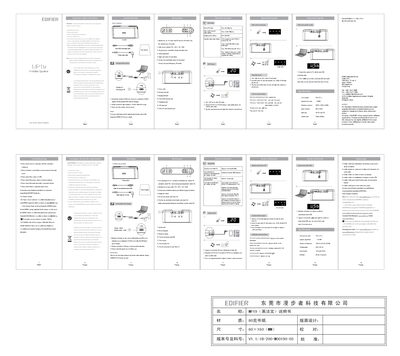
This manual provides step‑by‑step instructions for using the Edifier MP19 portable speaker. It covers charging the built‑in lithium‑ion battery, selecting audio sources (FM, AUX, micro‑SD, USB), and operating the numeric keys for playback, volume and preset management.
Safety guidelines, specifications, and a troubleshooting section are also included to help users maintain reliable performance and resolve common issues.
| Power output | RMS 2 W × 2 |
|---|---|
| Signal‑to‑noise ratio | ≈85 dBA |
| Frequency response | 200 Hz – 20 kHz (±5 dB) |
| Input sensitivity | 600 ± 50 mV |
| Input type | AUX / SD card / FM |
| Speaker unit size | 1¾ inch (48 mm) |
Charge the speaker for approximately 6–8 hours before the first usage.
Press a numeric key (0‑9) to store or select FM presets and then press the key to play the selected station.
Press and hold the play/pause key; the battery level will be displayed on the indicator.
Micro‑SD cards up to 32 GB in MP3 format are supported.