
Cisco Integrated Services Routers are optimized routers for secure, wire-speed delivery of concurrent data, voice, and video services. They intelligently embed data, security, and voice services into a single, resilient system for fast, scalable delivery of mission-critical business applications.
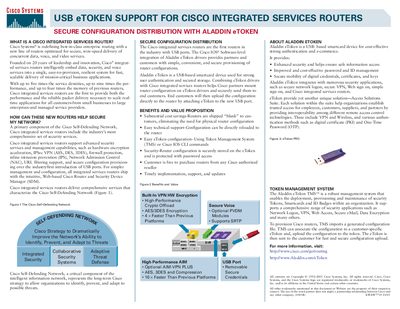
Cisco Integrated Services Routers combine data, voice, and video services with advanced security features such as hardware encryption acceleration, IPSec VPN, firewall, IPS, NAC and URL filtering. They are the first Cisco routers to include USB ports, allowing secure configuration provisioning via Aladdin eToken.
Aladdin eToken is a USB‑based smartcard that stores router configurations securely and supports strong user authentication. The Token Management System can import a configuration file, bind it to a customer‑specific eToken, and deliver the token to the customer for fast, secure upload to the router.
| Service density | 5× previous routers |
|---|---|
| Performance | 9× previous routers |
| Memory | 4× previous routers |
| Encryption support | AES/3DES |
| USB ports | USB ports for configuration |
They support hardware encryption acceleration, IPSec VPN (AES, DES, 3DES), firewall protection, inline intrusion prevention (IPS), Network Admission Control (NAC) and URL filtering.