
This user manual introduces the basic operations of the 32PFL3200/T3 and 42PFL3300/T3 televisions, including turning on/off the TV, switching channels, watching connected devices, and adjusting TV volume.
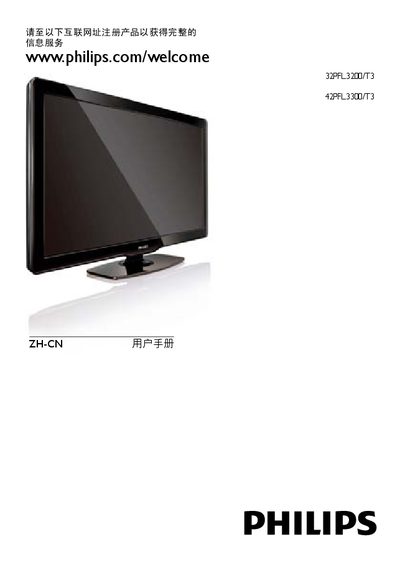
The manual guides users through registering the TV, connecting external devices, adjusting picture and sound settings, and using advanced features such as Philips EasyLink and Scenea wallpapers. It includes step‑by‑step instructions for channel setup, remote‑control operation, and USB media playback.
Safety warnings, warranty information, product specifications, and a troubleshooting section are also provided, along with details on software updates, power requirements, and recommended installation practices. This manual is written in Chinese.
| Power consumption (32PFL3200/T3) | 115 W |
|---|---|
| Power consumption (42PFL3300/T3) | 185 W |
| Weight without stand (32PFL3200/T3) | 9.5 kg |
| Supported TV system | PAL, D/K |
| Standby power consumption | ≤ 0.5 W |
| Main power input | 220‑240 V, 50‑60 Hz |
Visit www.philips.com/welcome and register the product to obtain complete information services.
You can update the software automatically or manually using a USB storage device, or download the update from the Philips support website.
The standby power consumption is 0.5 W or less.