
Philips multimedia LCD display 32PFL5422 37PFL5422 42PFL5422 user manual. This manual provides detailed instructions on how to use the display, connect it, operate it, and use its features.
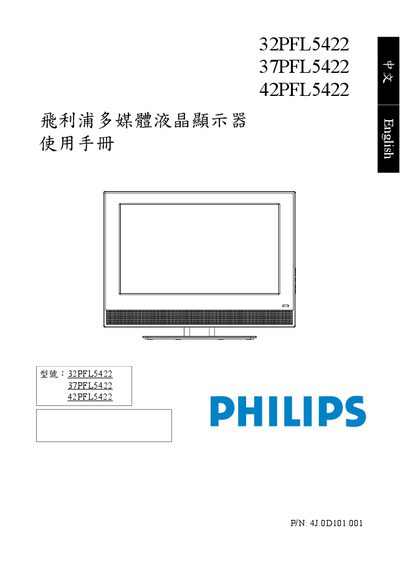
This manual explains how to safely install and operate the Philips 32PFL5422, 37PFL5422 and 42PFL5422 multimedia LCD monitors. It covers safety precautions, package contents, connector descriptions, basic operation, menu navigation, and adjustment of picture and sound settings.
The document also lists detailed technical specifications, supported PC input resolutions, and a troubleshooting guide to help resolve common issues such as no picture, no sound, or abnormal colors. This manual is written in Chinese.
| Weight (Net) | 18.06 kg (32") / 25.87 kg (37") / 32.48 kg (42") |
|---|---|
| Dimensions (with stand) | 847.3 × 653.1 × 268.1 mm (32") / 973 × 753 × 325.6 mm (37") / 1082.9 × 811.8 × 325.6 mm (42") |
| LCD panel size | 32" / 37" / 42" |
| Aspect ratio | 16:9 |
| Native resolution | 1366 × 768 |
| Brightness (typical) | 500 cd/m² |
| Contrast ratio (typical) | 1500:1 |
| Response time (Gray‑to‑Gray) | 6.5 ms |
| Built‑in speakers | 8 W × 2 (32") / 10 W × 2 (37"/42") |
| Power supply | AC 100‑240 V, 50/60 Hz |
| Power consumption | 160 W (32") / 180 W (37") / 200 W (42") |
Use the VOLUME +/- buttons on the right‑hand control panel to increase or decrease the speaker volume.