
This manual introduces the use of Philips 32PFL3510/T3, 42PFL3500/T3, 46PFL3500/T3 LCD TVs.
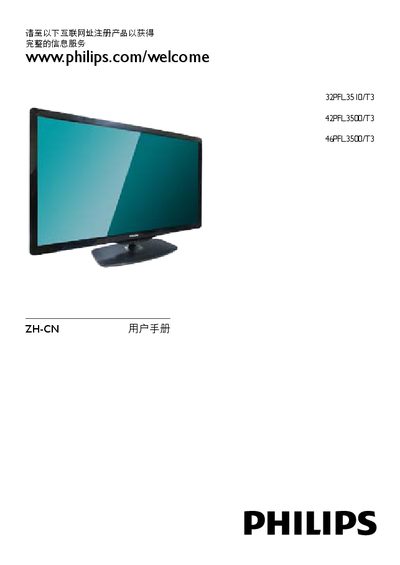
This manual provides step‑by‑step instructions for registering, installing, and using Philips 32PFL3510/T3, 42PFL3500/T3 and 46PFL3500/T3 televisions. It includes safety warnings, control‑panel details, remote‑control functions, and how to connect external devices.
Additional sections cover picture and sound adjustments, channel setup, software updates, energy‑efficiency information, and a comprehensive troubleshooting guide to resolve common TV, audio, and HDMI issues. This manual is written in Chinese.
| Power consumption (32PFL3510/T3) | 85 W |
|---|---|
| Power consumption (42PFL3500/T3) | 145 W |
| Power consumption (46PFL3500/T3) | 130 W |
| Dimensions without stand (32PFL3510/T3) | 760.9 × 479.5 × 49.9 mm |
| Weight without stand (32PFL3510/T3) | 8.5 kg |
| Energy‑efficiency index (EEILCD) | ≥ 1.4 |
Visit the registration website at www.philips.com/welcome and follow the on‑screen instructions.
Open the menu, go to Settings → TV Settings → Preferences → Menu Language, select the desired language, and confirm.