
This document is the user manual for the SPZ2500 network camera, which introduces the features and characteristics of the product, the steps to get started, how to use the camera for video chat, and the usage of Philips CamSuite software. The camera provides high image quality and amazing sound performance, and can be used for video chat, video sharing, and snapshotting.
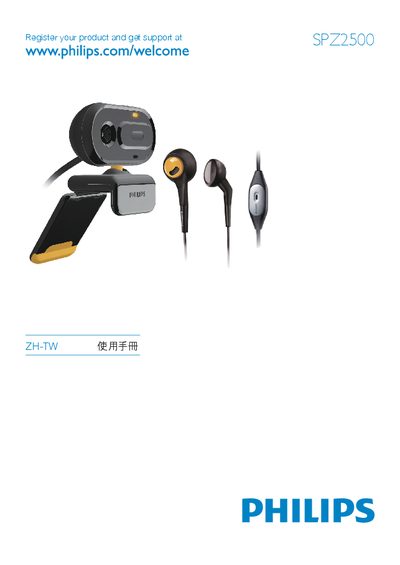
The Philips SPZ2500 network camcorder manual provides step‑by‑step instructions for registering the product, installing the Philips CamSuite software, connecting the webcam to a PC or laptop via USB, and configuring audio and video settings. It also describes the camera’s hardware features such as the built‑in microphone, headphone jack, and adjustable focus ring.
Additional sections cover image resolution options, photo and video capture, file management, FAQ troubleshooting, safety precautions, FCC compliance, and support resources. The document is written in Traditional Chinese and includes a quick‑start guide, detailed usage instructions, and technical specifications. This manual is written in Chinese.
| Built‑in microphone | Yes |
|---|---|
| Headphone jack | 3.5 mm audio jack |
Open the Windows sound settings, select the Philips SPZ2500 webcam or its headset as the default recording device, and apply the changes.